
A new SMP does not need fifty plugins before its first player joins. Start with the jobs you need covered: permissions, investigating grief, protecting spawn and understanding performance. Add conveniences when your community has a reason for them.
Choose a small compatible stack, give each plugin a specific job and test permissions on a non-operator account. A longer plugin list is not a measure of a better server.
Permissions: LuckPerms
LuckPerms lets you organize permission groups and give staff limited capabilities. Build a normal player role before creating moderator roles, and keep access to the permission editor restricted. A prefix does not grant a permission; the role’s nodes and inheritance determine what it can do.
Use the LuckPerms walkthrough for a small example. Test with a player account rather than relying on what the owner can do as an operator.
Investigation and rollback: CoreProtect
CoreProtect can help inspect recorded block activity and investigate a grief report. Start with inspection or lookup and understand the filters before considering a rollback. A broad rollback can affect legitimate building as well as damage.
Keep a full backup routine too. Logged changes are not a complete substitute for worlds, plugin files and configuration. Plan storage and database retention rather than discovering a full disk during an incident.
Spawn protection and conveniences
WorldGuard is an option for region rules around a public spawn; use its documented dependencies and test the rules as a normal player. Decide which behavior should be allowed instead of copying a large set of flags without checking their effect.
EssentialsX is an optional convenience suite for a server that wants its style of utility commands. Read its compatibility and permission documentation, install only the modules you need, and check for command conflicts with existing plugins.
Performance and world preparation
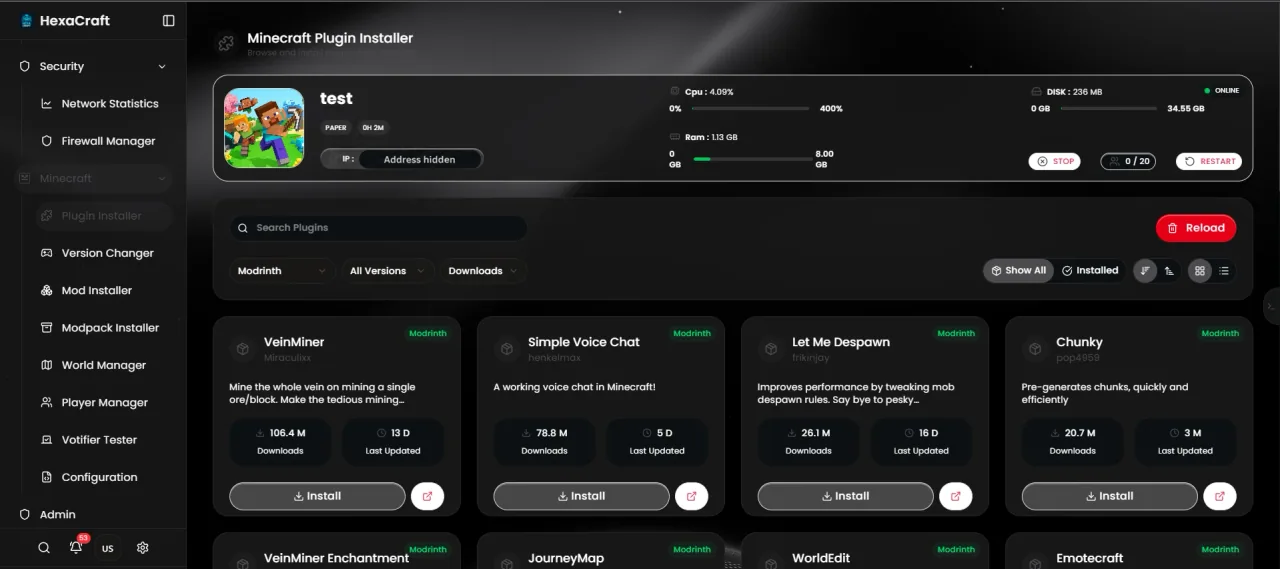
Use spark on compatible Paper builds to understand expensive activity. Keep Chunky for planned terrain pre-generation rather than running a large generation task during peak play. These tools have different jobs; neither establishes that any arbitrary plan will support a fixed number of players.
For Bedrock players, evaluate Geyser and optional Floodgate as a separate compatibility project. Do not add cross-play software to a Java modpack without checking what the bridge supports.
Install one plugin at a time
Download from the project’s official distribution, match server and Java versions, read dependencies, and back up first. Stop, install and restart cleanly; check the startup log and the feature you intended to add. Avoid hot-reloading a changing plugin stack.
Keep a simple record of the plugin, version, purpose and permissions granted. If two plugins claim the same command or task, choose deliberately rather than keeping both by accident. The plugin maintenance guide helps turn that record into a routine.
Before you finish
- Choose a purpose for each plugin.
- Check versions and dependencies.
- Test permissions with an ordinary account.
- Keep backups and review database growth.
Common questions
Should I install a generic lag remover?
Profile first. Broad entity clearing can damage gameplay while leaving the expensive plugin or terrain work unchanged.
Do Paper plugins work on a Forge server?
Do not assume compatibility. Plugin and mod-loader ecosystems differ; choose the build supported by the project.
Official documentation
- LuckPerms documentation
- CoreProtect inspection and rollback commands
- WorldGuard documentation
- EssentialsX project and compatibility information
- Paper plugin installation
Commands and configuration depend on your installed software version. Check its current documentation, keep a backup and test one change at a time.
Build a setup that fits your server
Compare monthly allocations and CPU tiers, or use the plan finder for a starting estimate.
Compare Minecraft hosting plans Find a plan