Lavalink v4
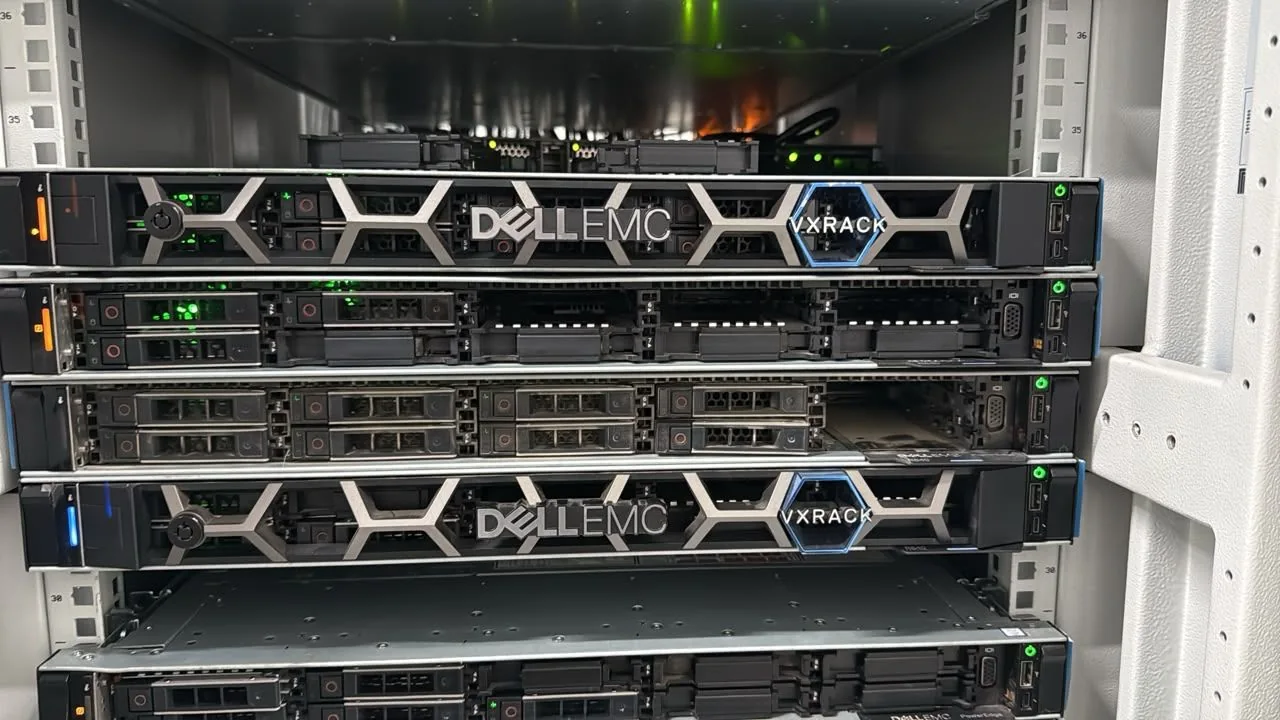
Lavalink v4 on dedicated hardware, with full root access and support for custom audio source plugins.
Run your Discord music bot on a dedicated Ryzen 9 9950X node with full root access, custom source plugins, and priority support.
Features
Everything you need to run Lavalink for discord.js music bots at scale.
Lavalink v4 on dedicated hardware, with full root access and support for custom audio source plugins.
Web-based control panel to start, stop, restart, and monitor your Lavalink nodes in real time.
JVM-tuned CPU allocation per plan so your audio streams never compete with noisy neighbours.
Sub-50ms global latency with premium uplinks and DDoS-protected network paths.
Dedicated resources with monitoring and priority support for your music bot.
Available in USA, India and Singapore. Choose your preferred region when ordering.
Test your Lavalink node with real audio streams before connecting your Discord bot.
Each dedicated node gets a clean dedicated IPv4 address for reliable voice region routing.
Pick the region closest to your voice channels for the lowest latency.

USA
Hosting region

India
Hosting region

Singapore
Hosting region
A dedicated Ryzen 9 9950X node for your music bot, with full root access and DDoS protection.
Starting at
Everything you need to know about Lavalink hosting on HexaCraft.
Related Solutions
Other HexaCraft products that complement your Lavalink setup.
Enterprise-grade Discord bot hosting with Node.js, Python, Bun & Java on rented dedicated hardware.
Full-root Linux & Windows VPS with AMD Ryzen 9 and EPYC processors across 3+ locations.
24/7 community support & Lavalink setup guides
LOCATIONS & ORDERING
Advertised regions confirmed by HexaCraft on . Availability depends on the service, processor and stock.
The configured Minecraft billing products use Mumbai; ask support about Noida availability. VPS and Windows RDP offer Mumbai and Noida, subject to the selected product and stock. Confirm the exact city and ordering route before paying; a region list is not an automatic checkout location selector.
Compare your own route using the Mumbai and Noida public network test addresses. A city name does not establish a fixed ping, game TPS or measured uptime. We do not publish test endpoints for the other regions.
Ask about a location in DiscordCheck that your bot library supports the Lavalink version and the audio sources you intend to use. Confirm the host, port, TLS setting and authentication details supplied for your node. Keep the node password in the bot’s environment and out of logs.
Start with a single test guild and a supported source. Check the client logs for connection and authentication errors before testing multiple streams. Review bot-side hosting separately in the Discord bot catalog if you also need somewhere to run the bot process.
Your cart is empty