
01 / Choose your software
Decide on Vanilla, Paper, Spigot, Fabric or Forge first. Match plugin and mod versions to the server build.
HEXACRAFT / PANEL PREVIEW
Take a look around the HexaCraft game panel, from the dashboard to modpack installation. Then try a few controls in a safe, local demo.

YOUR GAME SERVER, UNDER YOUR CONTROL
A look inside the HexaCraft game panel.
Six views. One place to manage your world.
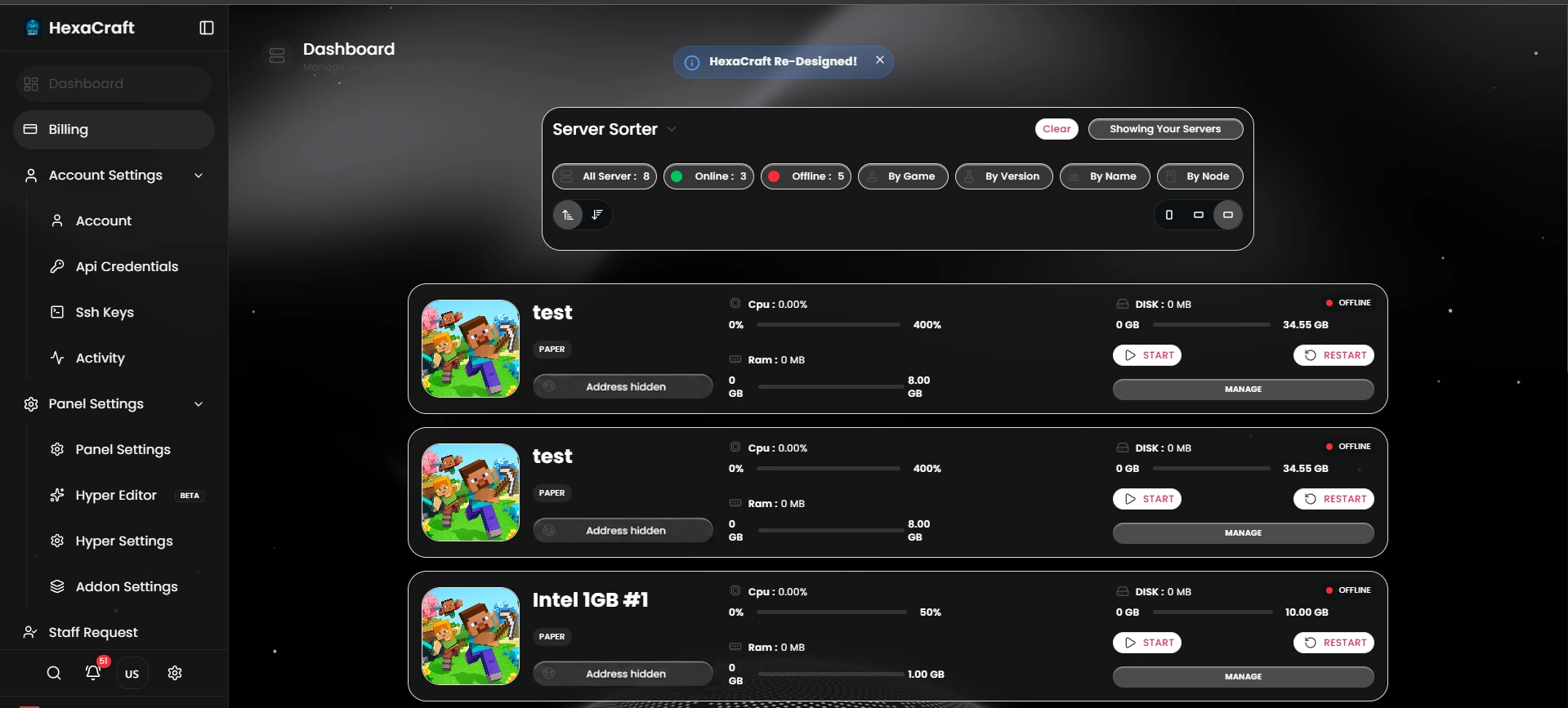
Browse your servers and see their state, resource allocation and management controls in one place.
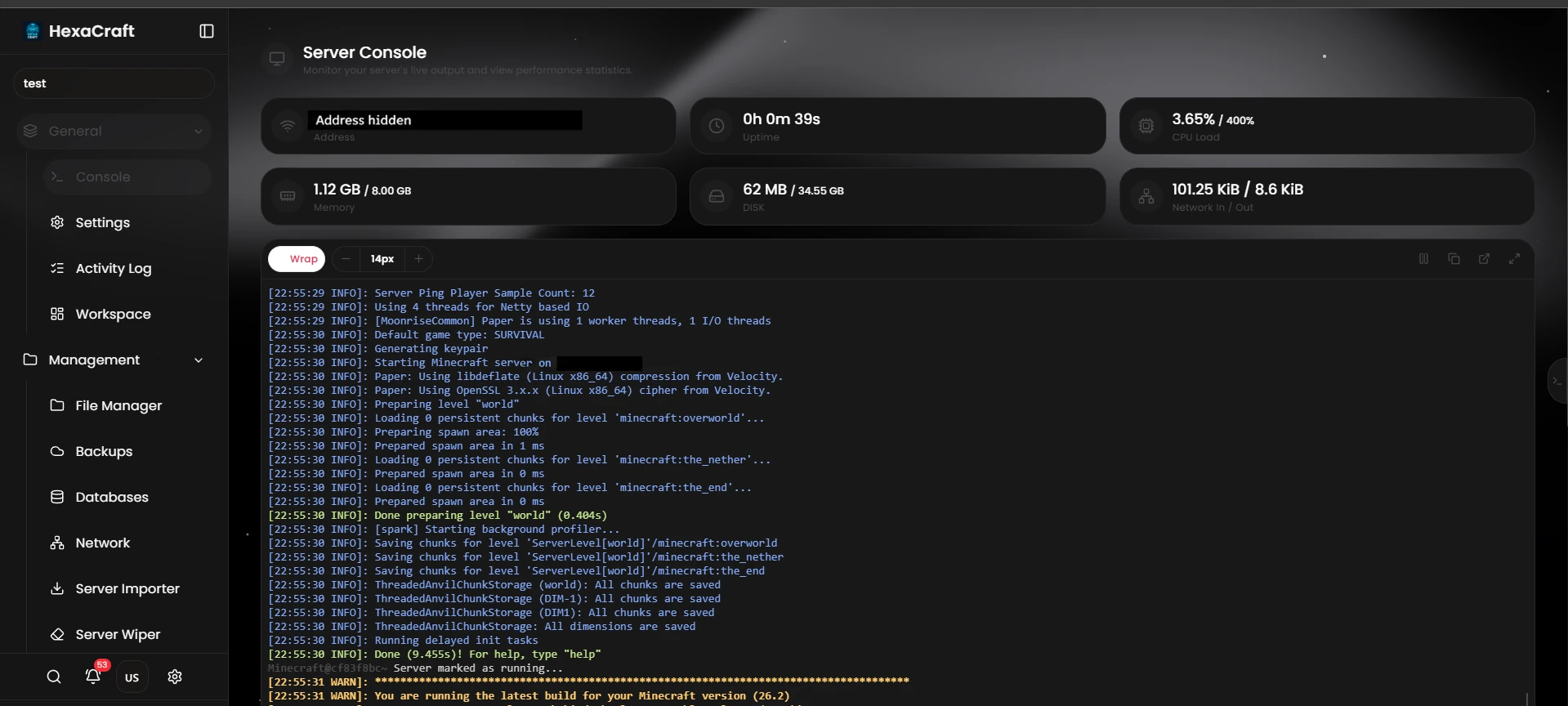
Read startup output and server logs alongside the panel’s resource readouts.
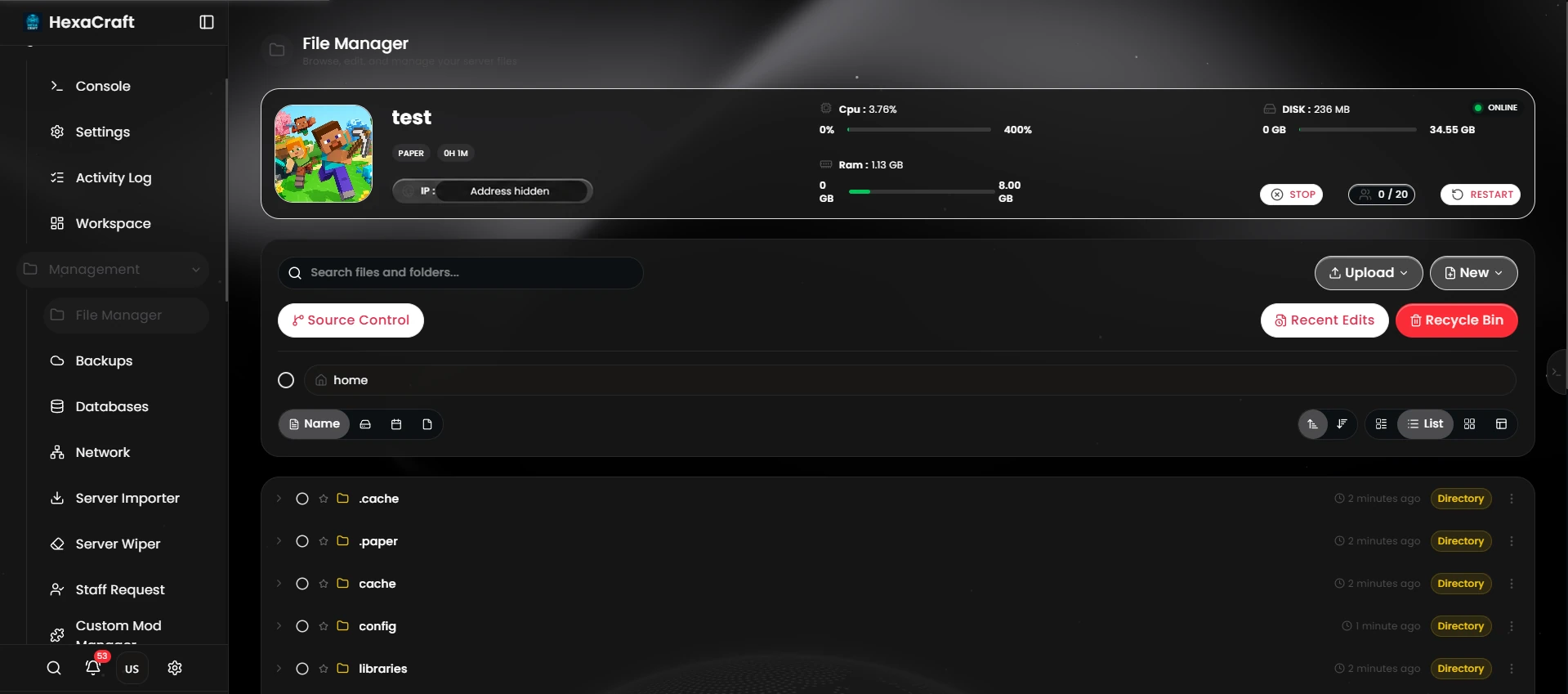
Browse folders, upload server files and manage the configuration behind your world.
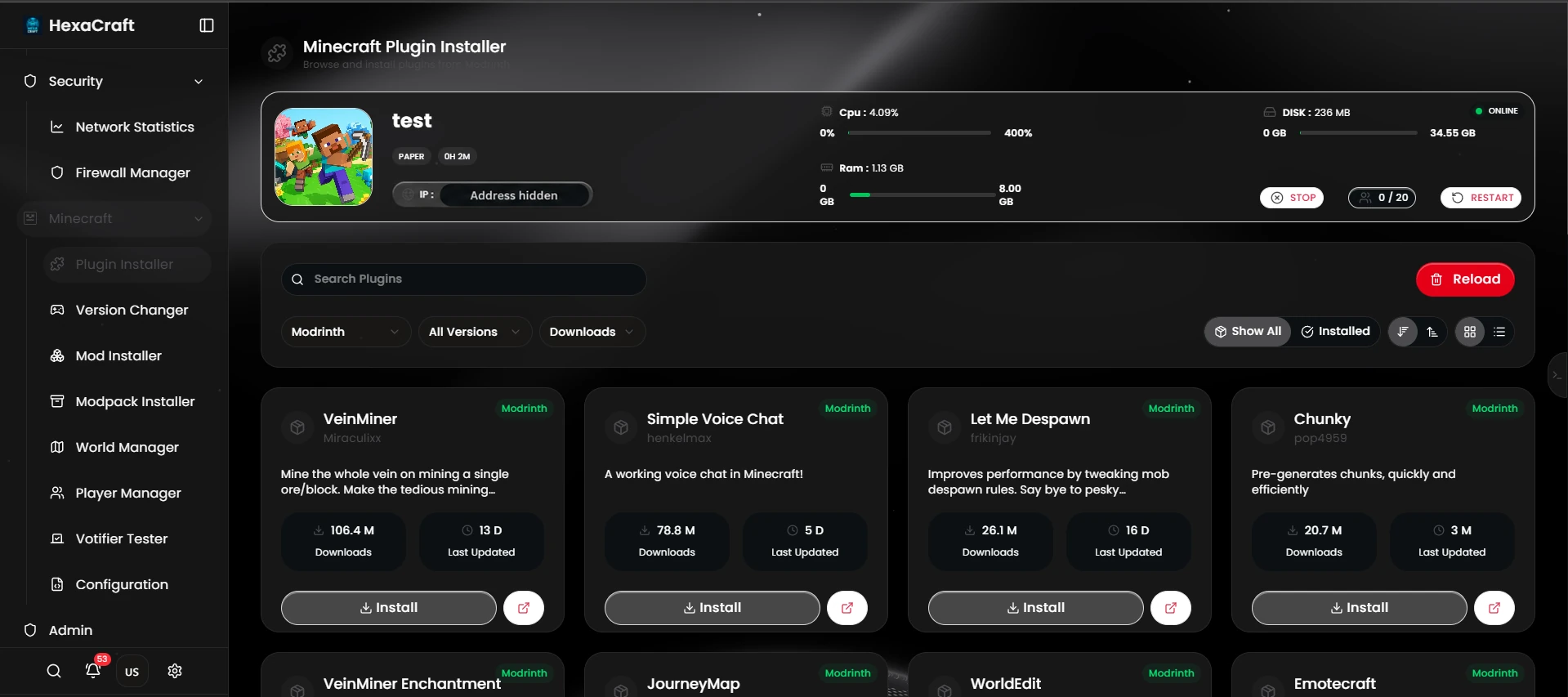
Browse the plugin installer and check compatibility with your server software before installing.
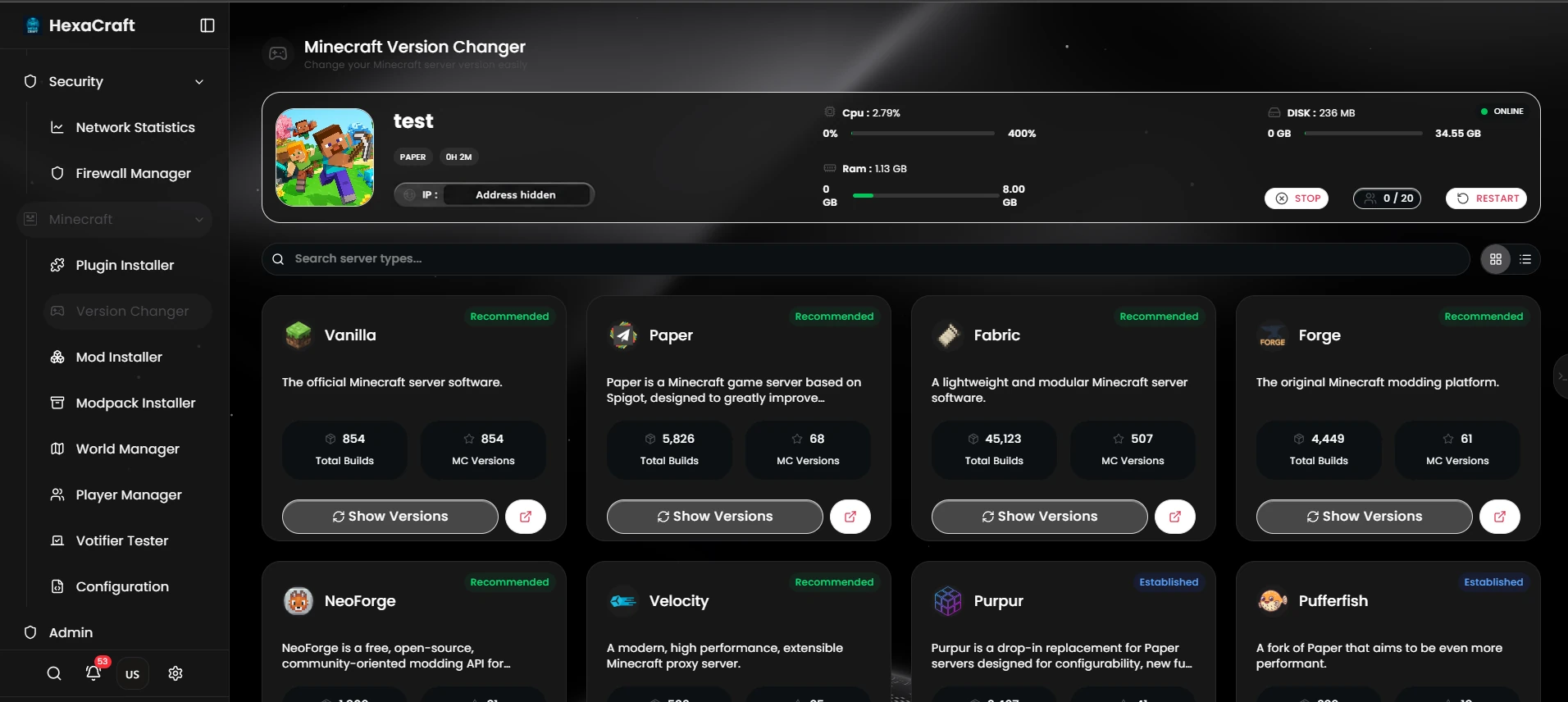
Explore the available server types and versions. Back up your world before changing software.
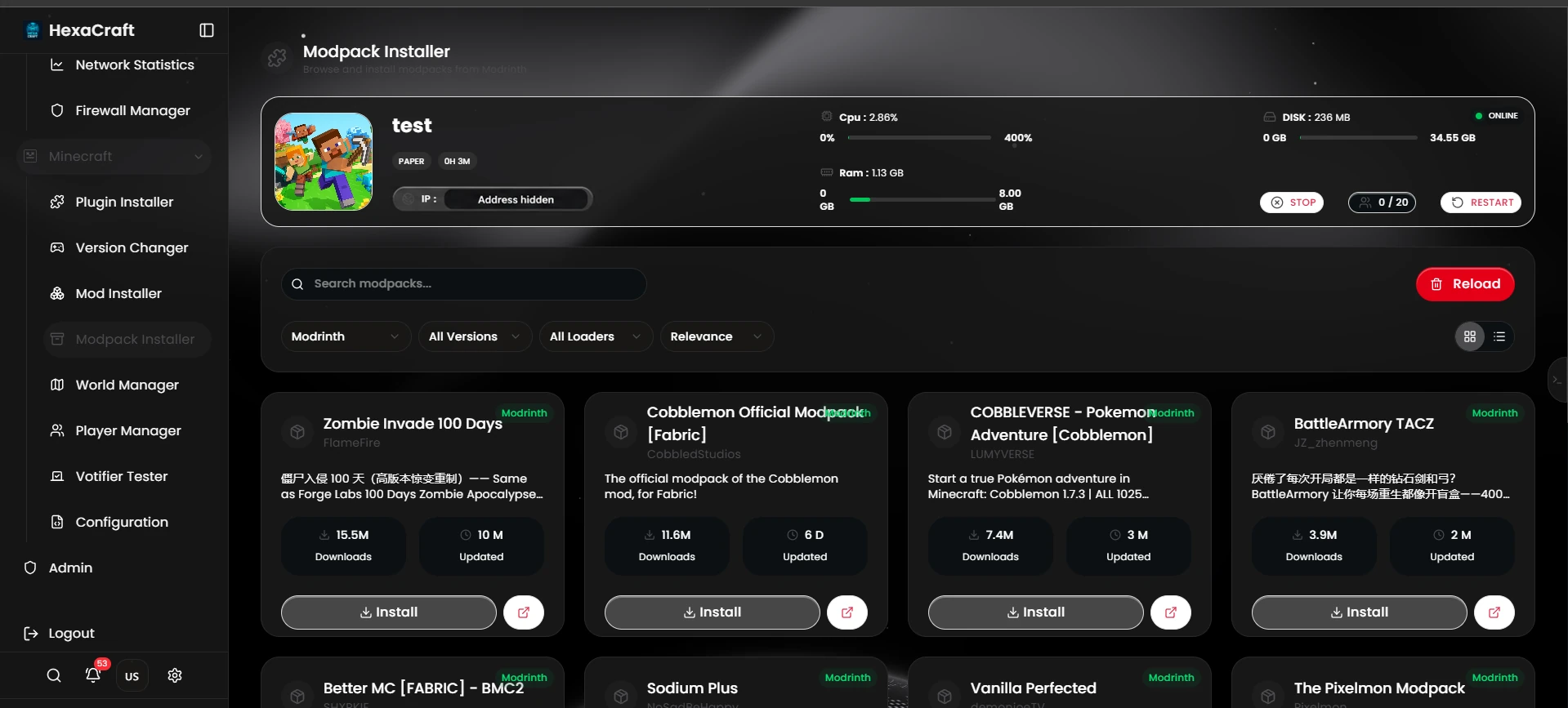
Browse modpacks in the panel and match the pack’s loader, version and resource requirements.
Screenshots supplied by HexaCraft; addresses redacted for privacy. Resource readings are captured examples, not performance guarantees. Available tools depend on server software and permissions.
TRY A FEW CONTROLS
Illustrative demo. This is an interactive example built for the website, not a live Pterodactyl login or an exact replica. Sample actions and files stay in this tab. Your actual panel, software and permissions may differ.
Example server state: stopped
[Demo] Welcome. Start the example server, then type help.
[Demo] Nothing here controls a real server.
Read-only example files. No files are uploaded or changed.
Every paid Minecraft plan includes three backup slots. Slots are storage capacity, not a promise that backups run automatically. Try creating and restoring a sample here.
Build a real backup routineDecide on Vanilla, Paper, Spigot, Fabric or Forge first. Match plugin and mod versions to the server build.
Stop the server before a migration or restore. Keep an off-server copy of worlds and important configuration.
Use logs and a profiler during the period that players report a problem. The demo does not represent a performance test.