
Players disconnect together and the server address stops responding. That is a reason to investigate, not proof of a DDoS attack. A crashed process, routing failure or overloaded tick thread can look similar from a player’s screen. Your first useful action is to establish what still works.
Check the game process and provider status, record the timeline, and ask the host to inspect traffic and mitigation. Upstream filtering handles network floods; plugins and local firewall rules cannot guarantee recovery from a saturated connection.
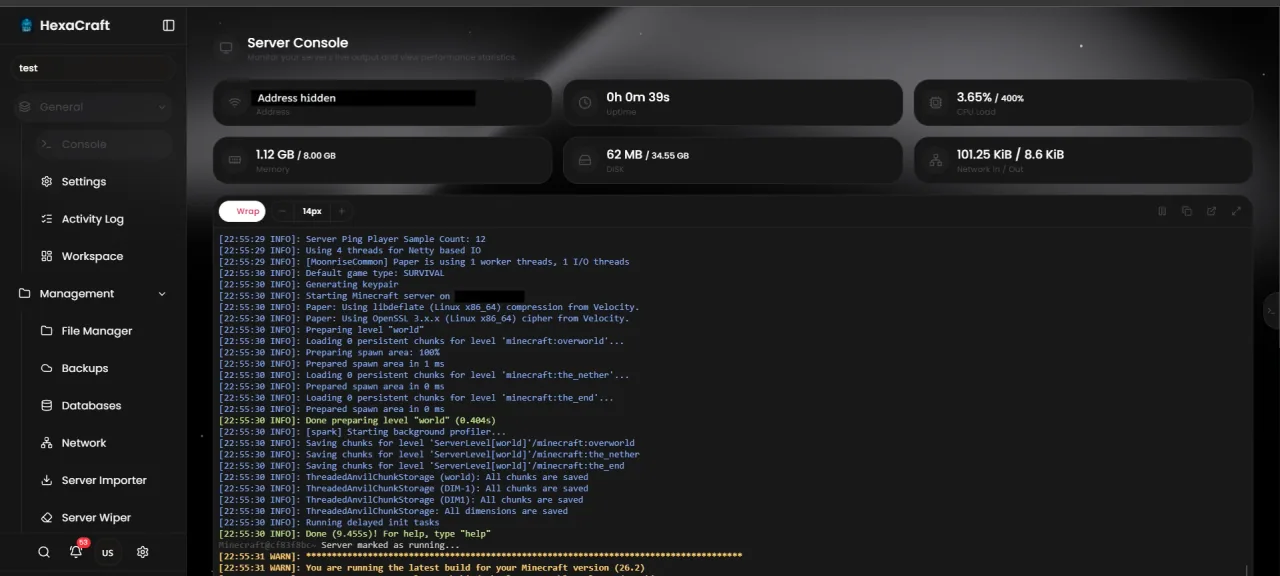
Separate a network problem from a game problem
Check whether the panel is reachable, whether the game process is running, and whether all players are affected. Note the exact start time and time zone. Look for a crash or an application error before changing network settings. If the world is running but ticks are slow, use the TPS and MSPT guide.
Avoid repeated restarts while collecting evidence. They can erase useful context and do not clear traffic arriving upstream. A failed ping alone is inconclusive because some networks filter ICMP.
Open one useful incident ticket
Send the affected service identifier, time range, symptoms, relevant redacted logs and whether the panel remains accessible. Ask whether the assigned IP is being filtered or null-routed, what traffic is affected and how updates will be provided. Do not post account credentials, forwarding secrets or private player data.
Use the provider’s actual support channel and keep follow-up information in the same incident. An isolated screenshot of a disconnected client is much less useful than a short timeline.
Understand where protection operates
Large traffic floods generally need filtering before the connection is saturated. The host’s network protection, game-protocol protection and application limits have different scopes. Ask which one covers your specific plan, location, IP and ports. No advertised capacity should be treated as proof that every attack or application issue is covered.
A normal Cloudflare web proxy is designed around supported web traffic; enabling an orange-cloud record does not automatically protect a Minecraft TCP/UDP listener. Read the protection guide for the distinction.
Reduce avoidable exposure
For a proxy network, restrict backend ports to trusted proxy sources and keep forwarding secrets private. Expose only required services and keep supported server software and plugins updated. Login and connection limits may help some application-level abuse, but set them carefully so legitimate players are not locked out.
Do not run stress tests against someone else’s server, or order an attack to prove protection works. Arrange any legitimate test explicitly with the host and the authorized test provider.
Restore service and review the incident
Once traffic and routing are stable, verify normal joining, player data and plugin health. Keep recovery backups intact. If files were damaged, investigate the cause before choosing a restore; a DDoS report does not by itself establish data corruption.
Write down what was confirmed, how long symptoms lasted and which actions helped. Update the contact and recovery checklist. Test your normal backup routine during a quiet period so the next incident does not begin with a search for missing files.
Before you finish
- Record the incident time and affected service.
- Check process health before diagnosing an attack.
- Ask the host about actual mitigation and recovery status.
- Keep credentials private and verify normal joining after recovery.
Common questions
Can an anti-bot plugin stop every DDoS attack?
No. An application plugin cannot guarantee protection when upstream network capacity is overwhelmed. Its role is different from network filtering.
Should I change my IP immediately?
Discuss that with the host. DNS, filtering and exposed backend addresses may also need attention; changing an address without understanding the route can create new connection problems.
Official documentation
Commands and configuration depend on your installed software version. Check its current documentation, keep a backup and test one change at a time.
Build a setup that fits your server
Compare monthly allocations and CPU tiers, or use the plan finder for a starting estimate.
Compare Minecraft hosting plans Find a plan