
One friend plays Java, another plays on a phone, and both want to join the same world. Geyser can bridge that gap, but the Java address alone is not the whole setup. Start with one working Java server and add Bedrock access in a separate, testable step.
Use the Geyser build for your server platform, follow the networking requirements of that build, and test with a real Bedrock client. Floodgate is an optional authentication component, not a replacement for network configuration.
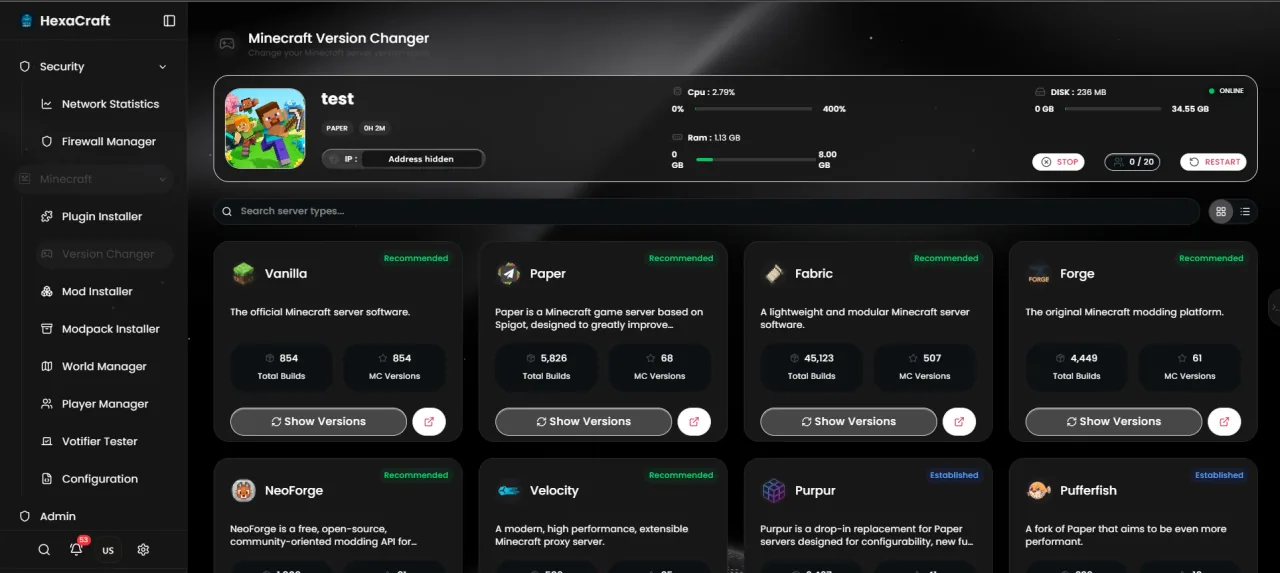
Before installing anything
Back up the server and record its Minecraft, Java and Paper versions. Check Geyser’s supported versions and the plugin download for your platform. A bridge does not make Java client-side mods work on a Bedrock device. For a heavily modded server, investigate compatibility before moving the community.
For a hosted server, ask which additional ports are allocated to your service. Do not pick an unused-looking port yourself: it may belong to another customer.
Install the right build
For a supported Paper setup, stop the server, put the official Geyser-Spigot JAR in the plugins folder, then start once to generate its configuration. Read the startup log before editing. On a Velocity network, install Geyser on the proxy using the Velocity build rather than installing it separately on every backend.
Do not replace the entire generated configuration with a file from an old tutorial. Configuration structure, supported clients and transport options change.
Match the network transport to your release
The current Geyser setup documentation describes NetherNet for supported newer Bedrock releases, with both TCP and UDP reachability on the Geyser port. Older RakNet setups use UDP. Follow the documentation for your installed build and confirm host support for the selected transport. The conventional example port is 19132; use the port actually allocated to you.
Keep the Java listener and Bedrock/Geyser listener distinct when the transport requires it. A TCP-only port checker does not prove a UDP game listener is reachable. Ordinary web proxy settings do not configure game traffic.
Choose authentication deliberately
If your community needs Bedrock accounts to join without owning Java Edition, follow the official Floodgate setup. Install the compatible Floodgate build and change the generated Geyser auth-type setting to floodgate as instructed. Keep any key material private.
Do not turn off authentication on an ordinary public Java server to fix a cross-play error. A proxy network has its own protected backend authentication arrangement; copying that arrangement onto an exposed standalone server is unsafe.
Test both editions before sharing the address
Restart cleanly, check logs, then join with one Java account and one supported Bedrock account. Test inventory persistence, permissions, chat and the features your community uses. Console devices can have additional restrictions on custom server joining; check Geyser’s console guidance rather than promising the same steps on every device.
If joining fails, record the client edition/version, exact error, allocated port and relevant redacted log. Use the connection troubleshooting guide to separate a network failure from an unsupported client.
Before you finish
- Confirm supported client/server versions.
- Use an allocated port and the required transport.
- Keep authentication and Floodgate keys secure.
- Test one Java and one Bedrock player, then save a fresh backup.
Common questions
Can I use the Java port for Bedrock?
Do not assume that you can. Transport and port-sharing rules depend on the Geyser release and host configuration. Use the allocated listener and current setup instructions.
Does Geyser make a Forge modpack work on Bedrock?
It does not translate arbitrary Java client mods. Check the exact mod and supported platform requirements before planning cross-play.
Official documentation
Commands and configuration depend on your installed software version. Check its current documentation, keep a backup and test one change at a time.
Build a setup that fits your server
Compare monthly allocations and CPU tiers, or use the plan finder for a starting estimate.
Compare Minecraft hosting plans Find a plan